Share your day
Your account
Reminders
A nudge in the evening, only on days you haven't posted yet.
Your evening reminder
One reminder in the evening, only on days you haven't posted.
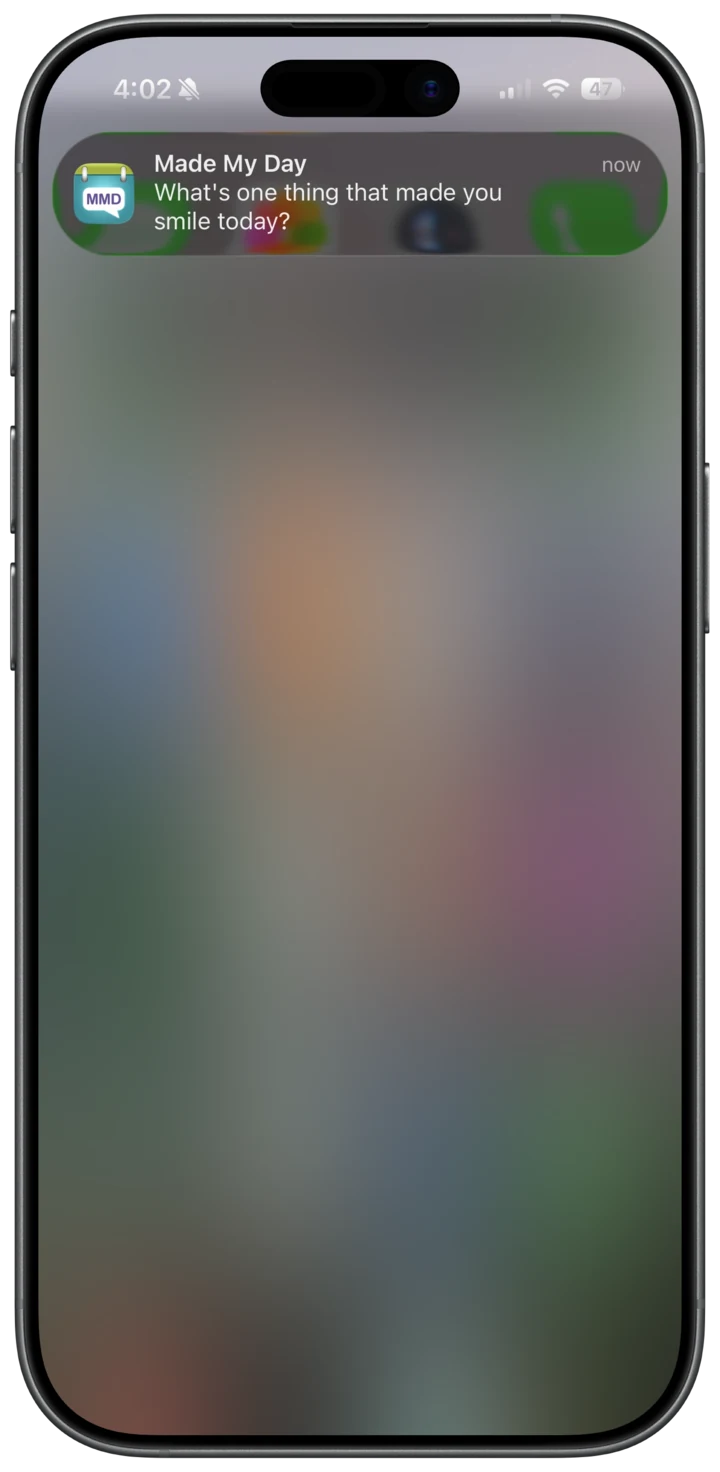
Turning it on
After you post, the app asks once if you'd like an evening reminder. Pick a time, 8:00 PM to start, and tap Remind me. If you haven't allowed notifications yet, your iPhone asks first.
- You can also turn it on in Settings, under Reminder
When it comes
At your time each evening, unless you've already posted that day. Tap it to start writing.
- It follows the clock where you are, even after you travel
- A different message each day
- Nothing pops up if you're already in the app
Change it any time
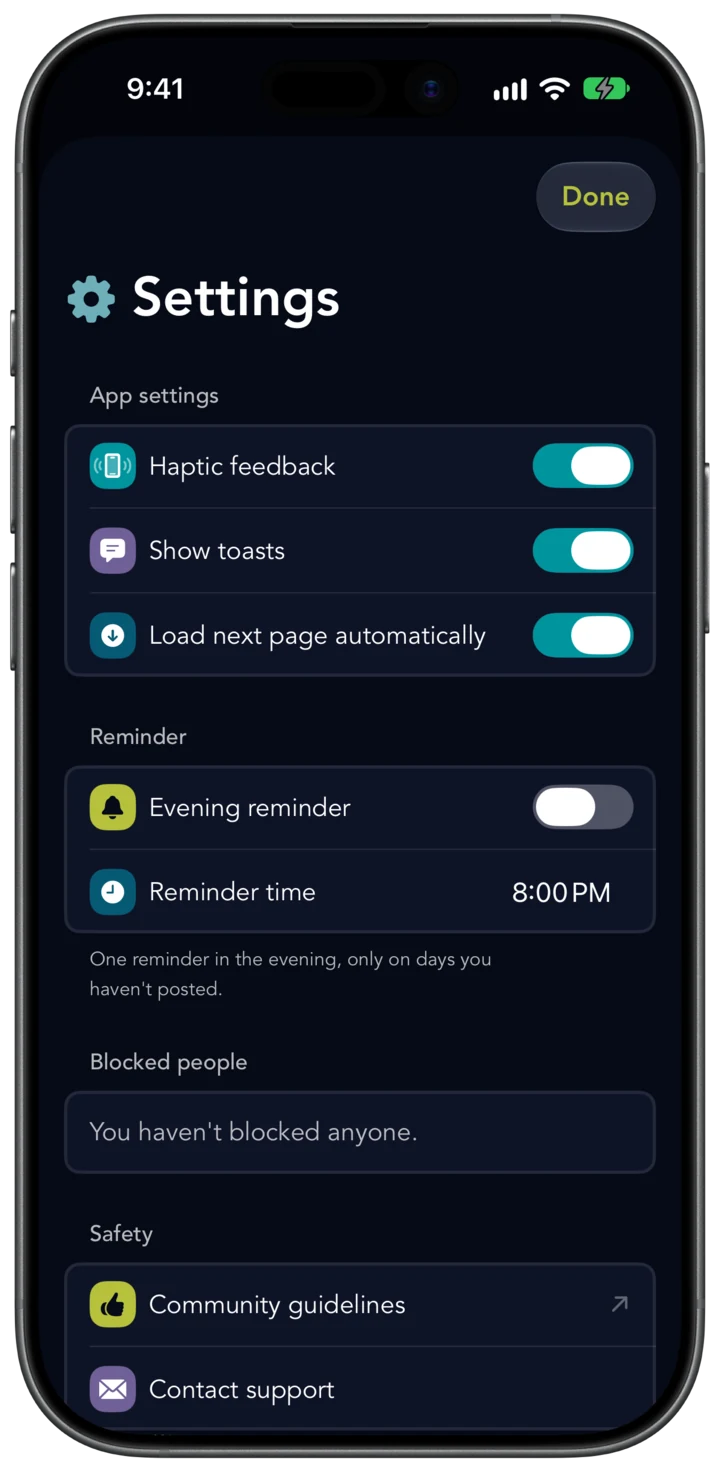
Open the menu, go to Settings, and find Reminder.
What you can change
- Evening reminder turns it on or off
- Reminder time sets when it comes
- Notifications off for Made My Day? Settings has a link to turn them on
Something good happened today. Post it.