Share your day
Read the good stuff
Your account
Share an MMD
Send a good moment to someone who'd love it.
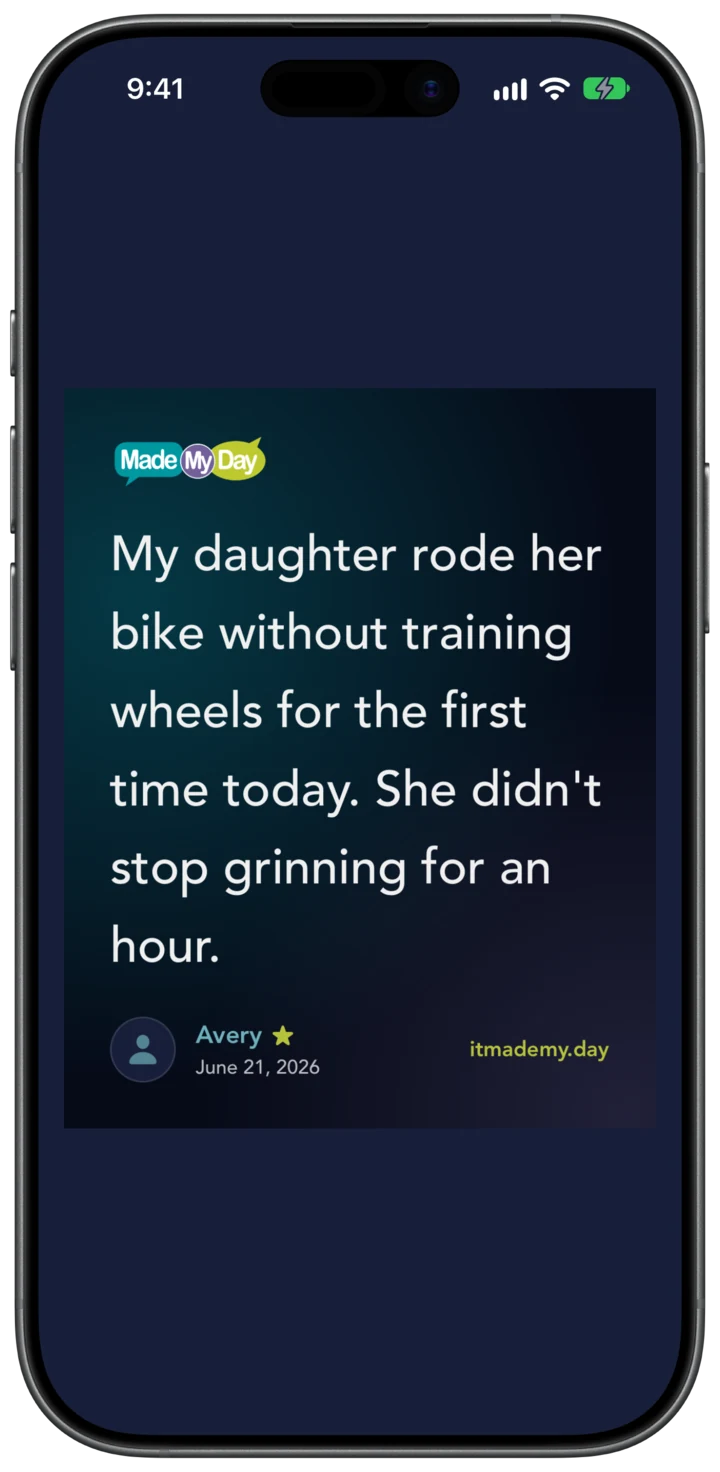
A picture of the moment
Tap Share on any MMD to send it as a picture.
Where Share is
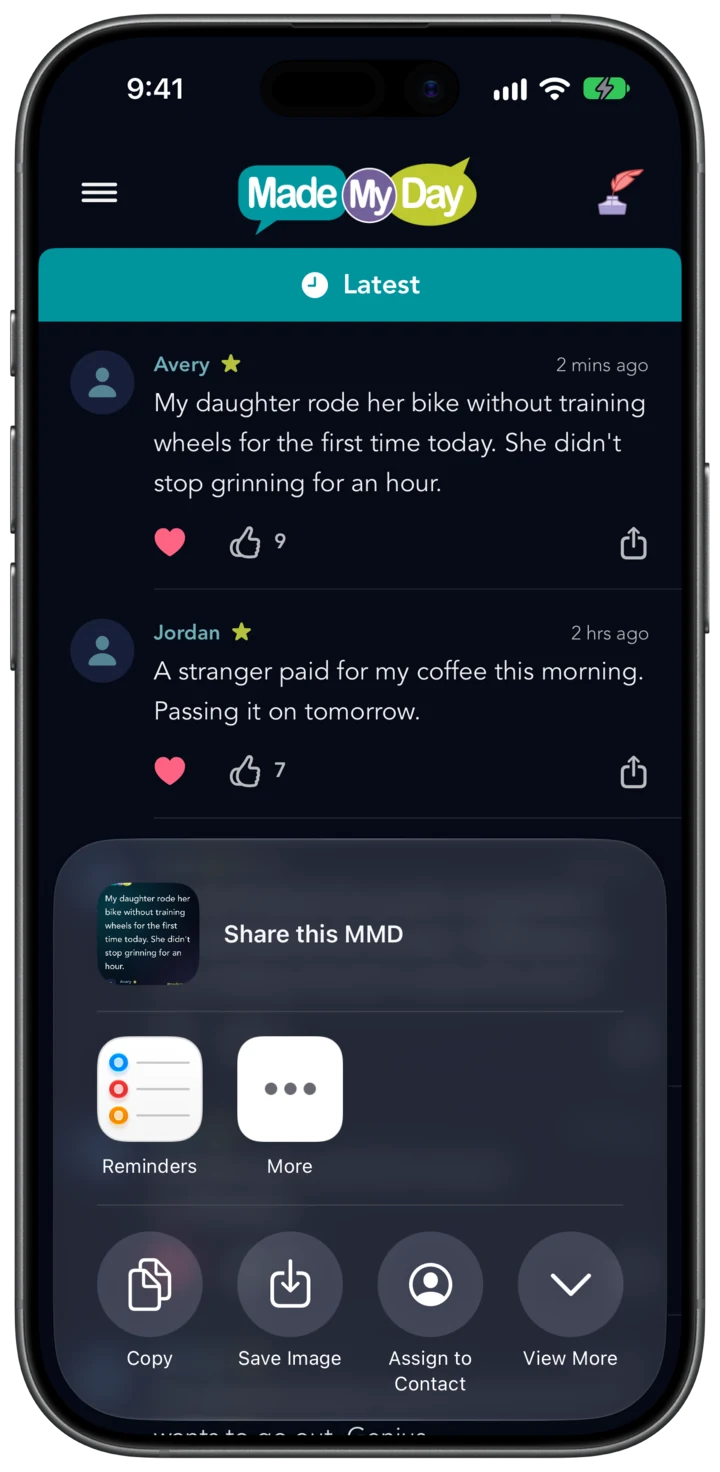
Share sits at the end of the row under every MMD, after the heart and the thumb, in every feed and on each MMD's own page.
What the picture shows
- The MMD's words
- Who posted it, with their photo and founding member star
- The date it was posted
- The Made My Day logo and itmademy.day
Made to fit
The picture is 4:5, so Instagram shows it whole in the feed, it fits inside a story, and Messages shows it as a photo.
Send it anywhere
Pick where it goes from the iPhone share sheet.
Picture and link together
The picture goes with one line and the MMD's link: "An MMD from Avery on Made My Day", or "What made my day, on Made My Day" when it's yours.
Or keep it
- Save Image puts the picture in your Photos
The link opens the MMD
Every shared MMD has its own link on itmademy.day.
With Made My Day
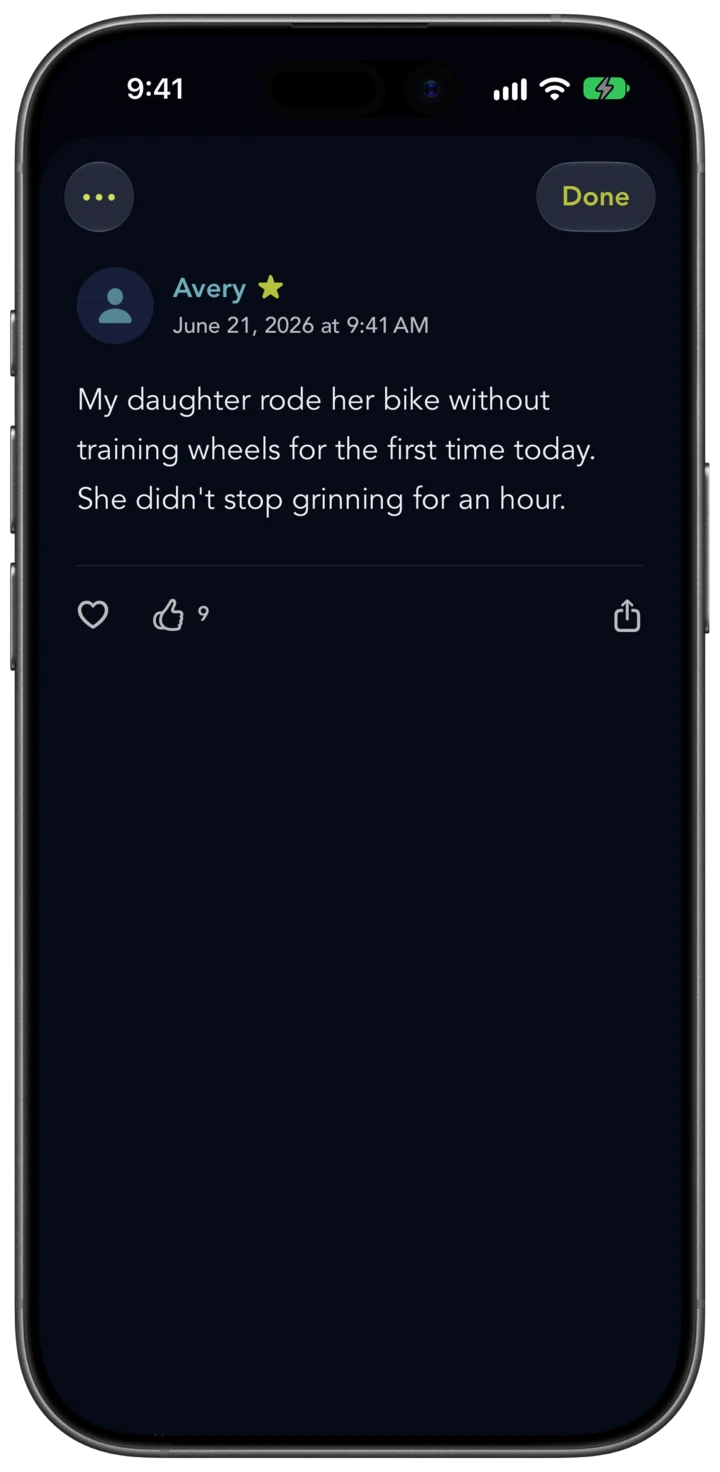
Tap the link and that MMD opens in the app, on its own page.
Without it
The link opens a page on itmademy.day with the MMD's words, who posted it and when, and a button to get the app.
In link previews
Messages and other apps show who posted it and the start of their words.
Something good happened today. Post it.